
Keep each group’s rules its own.
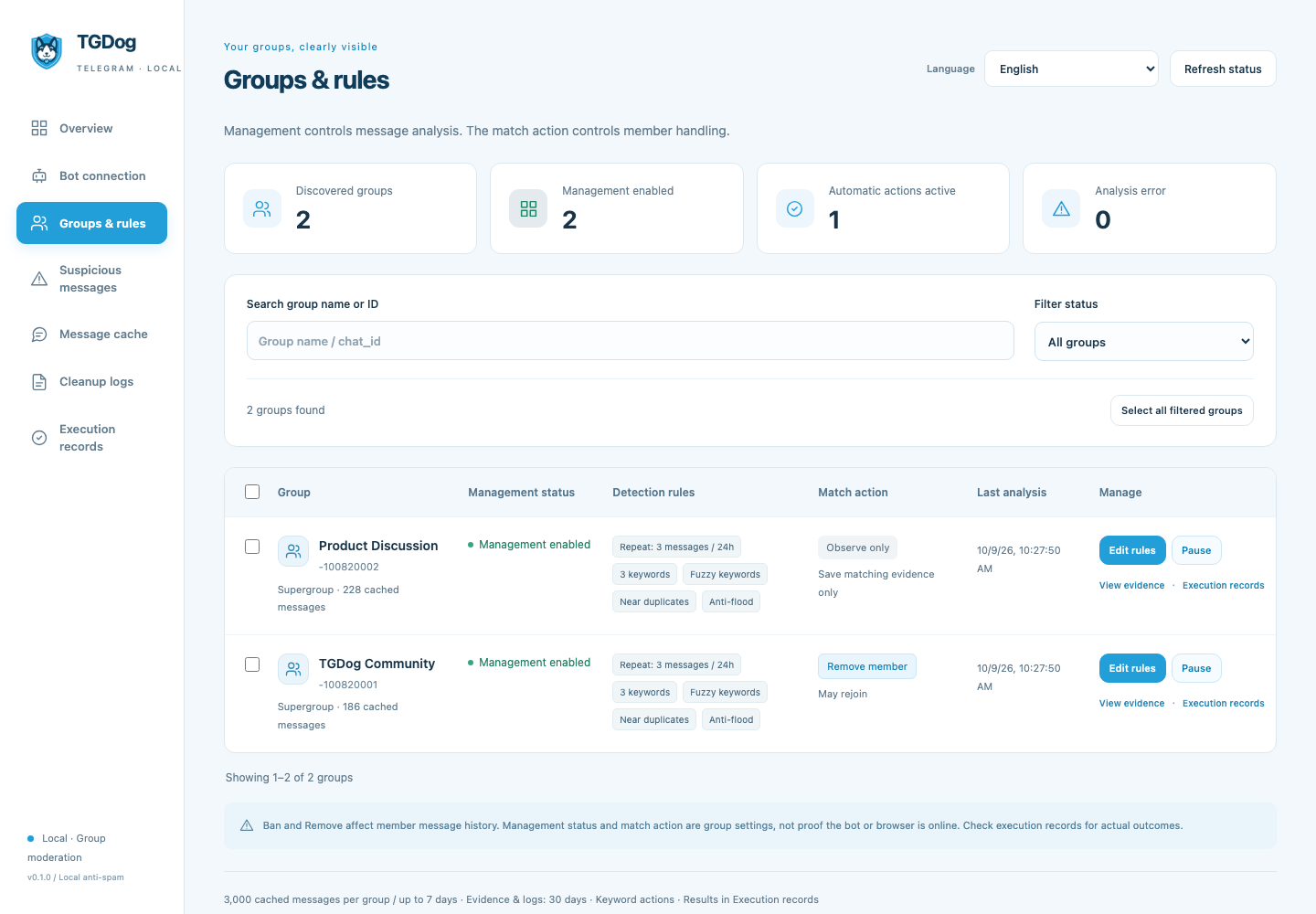
Add your bot to a test supergroup as an administrator, send /setup or a text message, and receive updates in TGDog. Enable that group in Groups & rules. The current version supports enabled monitoring and management for supergroups.
Copy settings without changing actions
Search by name or ID, filter groups, and pause observation in bulk. Copying saved detection rules preserves each group’s own whitelist, administrator list, and observation switch. It does not copy the keyword action selection.
Understand administrator and whitelist exemptions
Administrators and whitelisted user IDs are exempted. Administrator lookup failures are reported for the affected group instead of silently proceeding with uncertain results.
Check your setup
- Enabled management supports supergroups.
- Administrators and whitelisted users are exempt.
- Copying rules does not copy the action choice.
Where to go next
If you are setting up TGDog for the first time, follow the complete How to use tutorial. For a deeper explanation of another topic, return to the Guide library.